

Comfort
Boondocks Burger Stack
Layered burger, crisp fries, house-style sauce, and pickup-friendly packaging notes.
Restaurant menu • Pickup planning • Local favorites
Explore fresh plates, build a pickup request for review, save favorites, and contact Boondocks Restaurants without account friction.
Menu board
Use the filters to explore sample categories. Pricing and availability should be confirmed directly with Boondocks Restaurants.
Layered burger, crisp fries, house-style sauce, and pickup-friendly packaging notes.

Steak, fries, salad, and sauce built for a hearty dinner request.
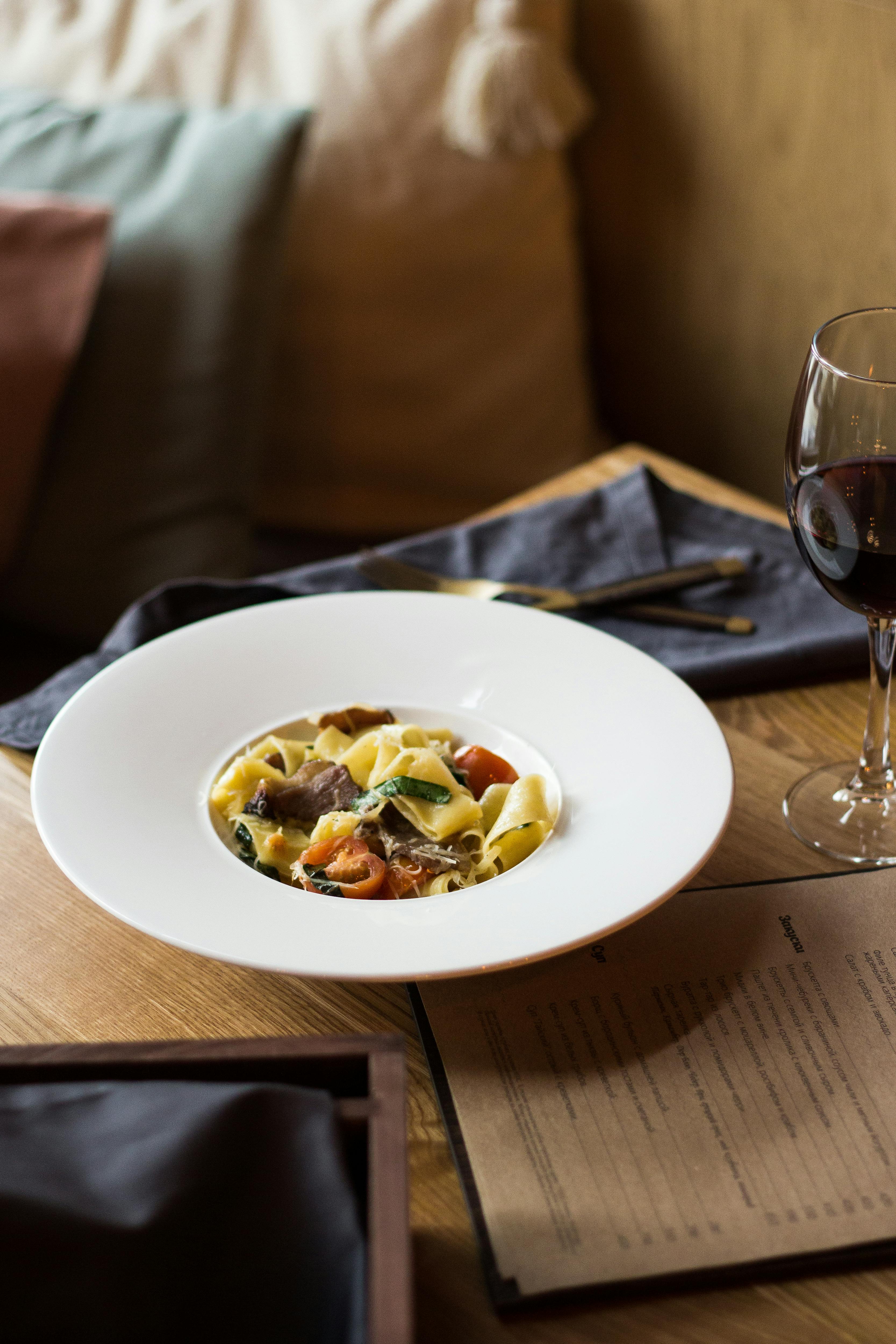
Comforting pasta with green accents, suited for lunch or dinner planning.
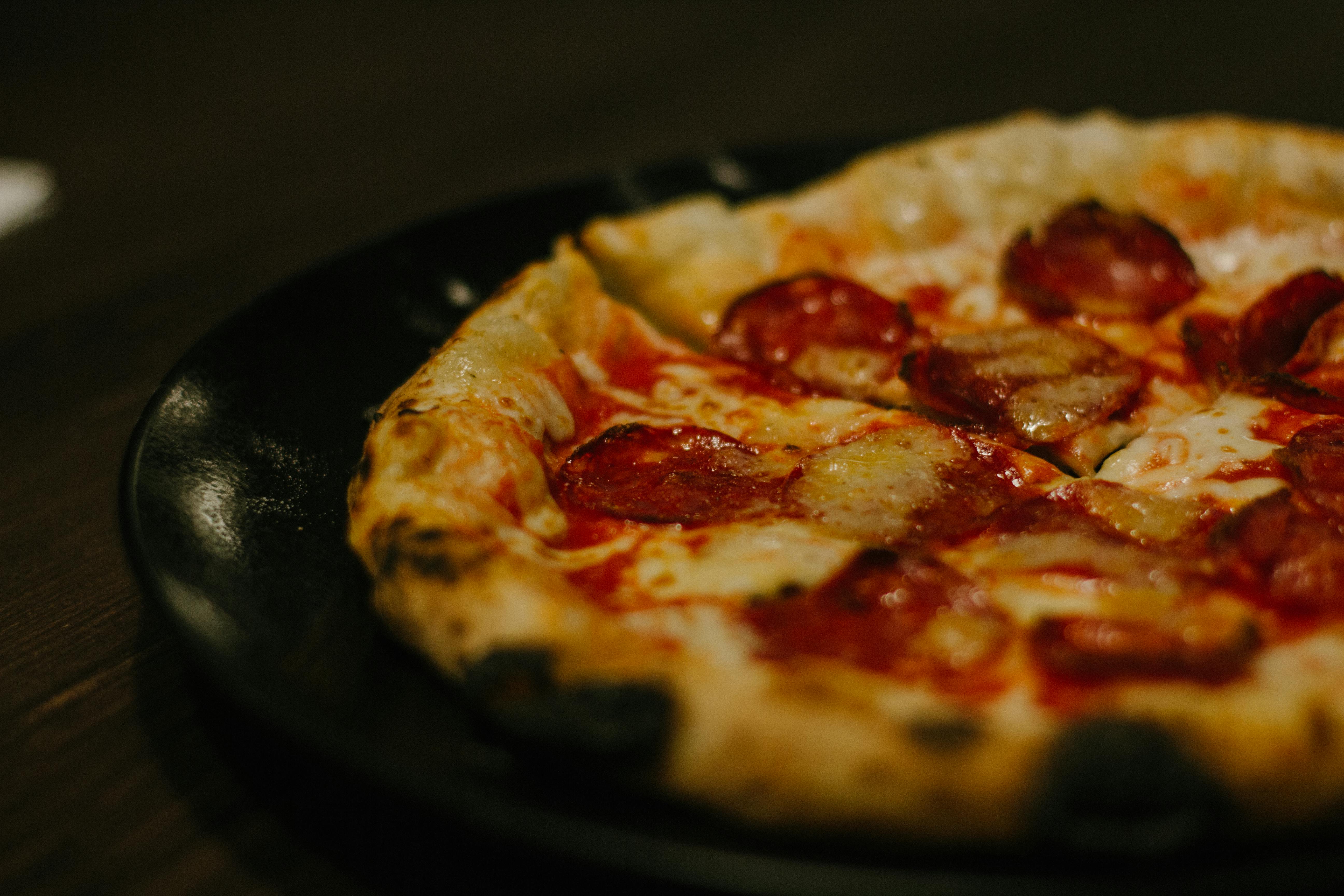
A shareable, simple favorite for family tables, office lunches, or casual pickup.

A chilled dessert-style drink idea for pairing with comfort plates.

A premium dinner plate concept for guests who prefer rich, classic restaurant flavors.
Mobile app companion
The Boondocks Restaurants app is designed as a lightweight menu and request-preparation experience. It can save favorites locally, restore cart contents, prepare request summaries, and open your email app for manual sending.
Favorites • Cart • Email request
Pickup request
This form uses your browser to create a mailto email. It does not send information to a backend.
Dining style
Pickup drafts require your final email send and restaurant confirmation.
Guests with allergies should contact Boondocks Restaurants before consuming any food.
Use the verified email for support, menu questions, or order-preparation details.
Questions
No. The request form opens your email app with a prepared message. You review and send it manually.
No. Boondocks Restaurants may need to confirm availability, pricing, substitutions, and pickup timing separately.
Add allergy or dietary notes to your message and contact the restaurant directly before ordering or consuming food.